How to Install and Maintain SD Memory Connectors for Optimal Performance
Introduction:
In today's tech-driven world, SD memory connectors play a critical role in ensuring reliable data transfer across a variety of devices, including smartphones, cameras, drones, and IoT systems. Whether you are an electronics manufacturer, an engineer, or a tech enthusiast, understanding how to properly install and maintain SD memory connectors can optimize your device's performance and longevity.
At MoarConn, we specialize in providing high-quality SD memory connectors designed for a wide range of applications. With years of expertise in connector solutions, we understand the importance of proper installation and maintenance to ensure your devices perform at their best.
Understanding SD Memory Connectors
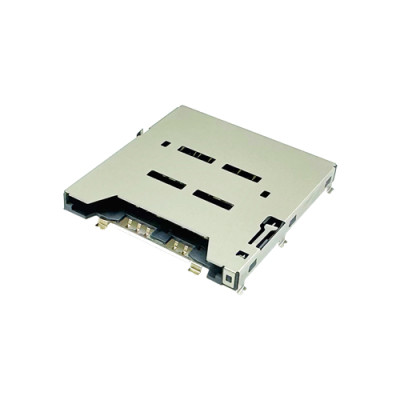
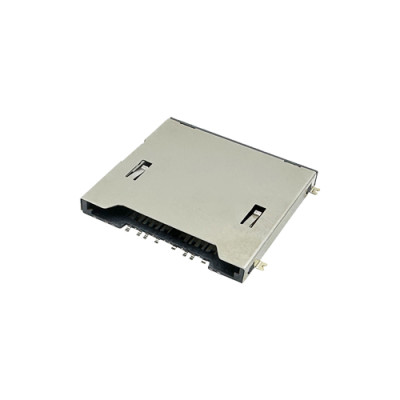
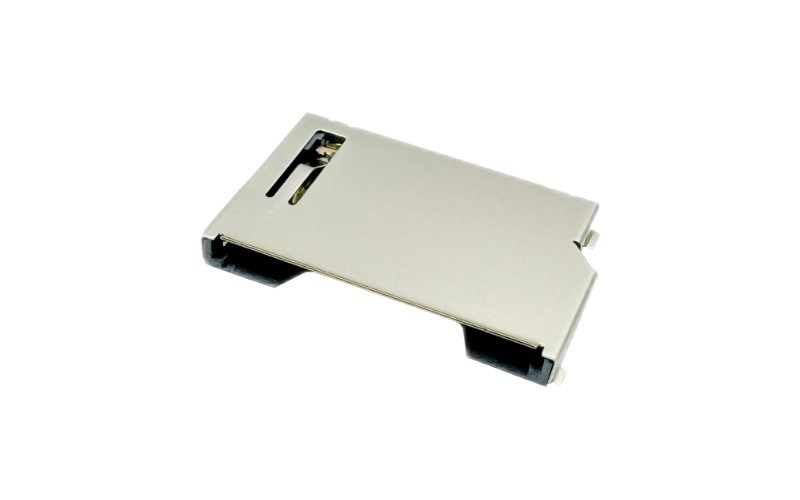
SD memory connectors are used to establish reliable communication between SD cards and the device's motherboard. They come in various form factors, including standard SD connectors and microSD connectors, to fit different device types.
MoarConn provides high-performance SD connectors that ensure seamless integration with SD, SDHC, and SDXC cards. Our connectors are engineered for superior signal integrity, durability, and fast data transfer speeds.

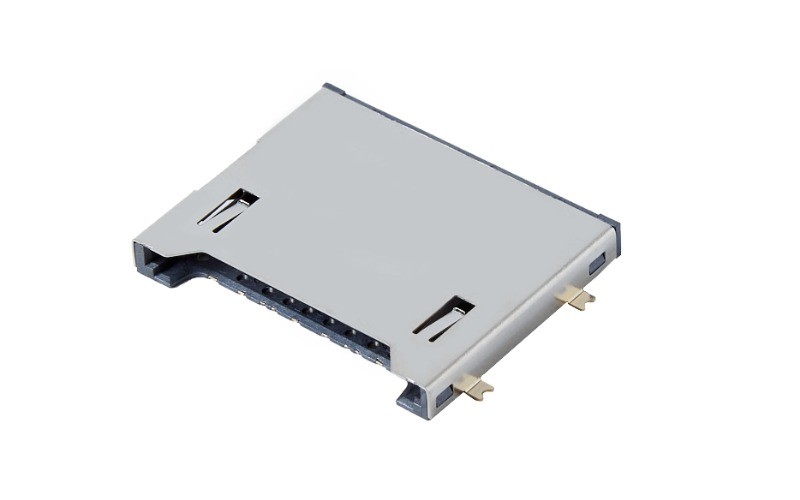
Step-by-Step Guide to Installing SD Memory Connectors
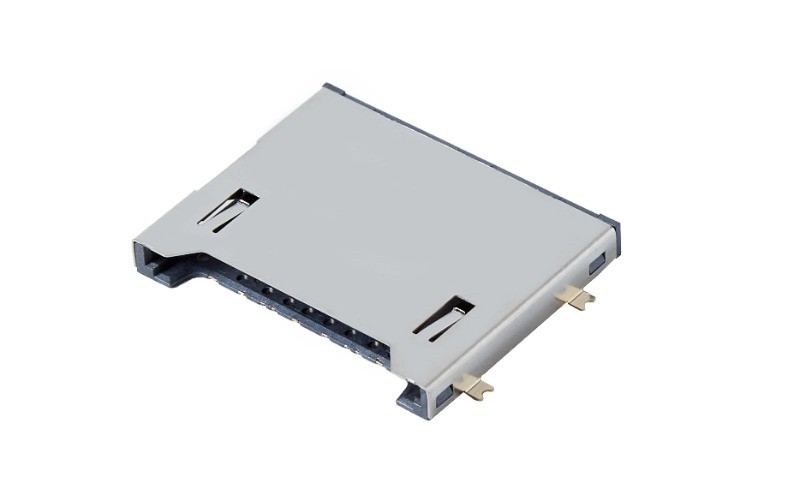
Proper installation of SD connectors is vital to achieving optimal performance and minimizing wear over time. Here's how to do it correctly:
1. Choose the Right Connector
Before installation, ensure that the SD connector matches the specific type of SD card (SD, SDHC, SDXC) your device uses. MoarConn offers connectors that support the latest high-speed SD cards, ensuring compatibility with UHS-I, UHS-II, and UHS-III standards.
2. Properly Align the Connector
Align the connector with the corresponding slot on the device's PCB (Printed Circuit Board). Ensure that the pins are positioned correctly to avoid bent or misaligned pins, which can lead to connectivity issues.
3. Secure the Connector
When placing the connector, apply gentle pressure to ensure a snug fit. Over-tightening or forcing the connector into place can damage both the connector and the PCB.
Best Practices for Maintaining SD Memory Connectors
Proper maintenance is essential to prolong the life of your SD memory connectors and ensure your devices maintain optimal performance.
1. Regular Cleaning
Dust and debris can accumulate over time, causing poor contact between the SD card and the connector. Use a soft, lint-free cloth or compressed air to clean the connector slot. Avoid using liquids or harsh chemicals.
2. Check for Wear and Tear
Inspect connectors regularly for signs of wear. Look for bent pins or corrosion on the connector surfaces, especially in harsh environments. MoarConn's connectors are designed to withstand tough conditions, but regular checks will ensure they stay in top condition.
3. Avoid Overuse
Repeated insertion and removal of SD cards can cause the connector to degrade. Always insert and remove SD cards carefully, and avoid using excessive force.
4. Use Correctly Rated SD Cards
Ensure the SD card you are using matches the speed rating of the connector. For example, UHS-II cards should be used with connectors that support UHS-II speeds for maximum performance.
Why Choose MoarConn for Your SD Memory Connectors?
At MoarConn, we are dedicated to providing innovative, high-quality SD memory connectors that are designed for optimal performance and longevity. Our connectors are engineered to meet the highest industry standards and are ideal for various applications, including consumer electronics, industrial devices, and automotive systems.
Key Features of MoarConn SD Memory Connectors:
• Superior Signal Integrity: Designed to ensure fast and reliable data transfer.
• High Durability: Built to withstand harsh environments and ensure long-lasting performance.
• Wide Compatibility: Our connectors support a range of SD card formats, including SD, SDHC, SDXC, and UHS-I/II/III.
• Innovative Design: Featuring locking mechanisms, corrosion resistance, and improved contact reliability.
Troubleshooting Common SD Memory Connector Issues
If you experience issues with your SD connector, here are some troubleshooting tips:
1. Connector Not Recognizing SD Card
• Ensure the connector is clean and free from debris. If the issue persists, check the SD card for damage or try using a different card to verify if the problem lies with the connector or the card.
2. Data Transfer Speed is Slow
• Check if your connector supports the UHS speed rating of the SD card. Using a high-speed card with a slower connector can result in reduced transfer speeds.
3. Connector Pins are Bent or Damaged
• Inspect the pins on the connector. If they are bent, you may need to replace the connector. MoarConn provides high-quality, durable connectors that resist damage even after extensive use.
Conclusion
Installing and maintaining SD memory connectors properly is essential for ensuring optimal performance and extending the life of your devices. By following the installation tips and maintenance practices outlined above, you can avoid common issues and maximize the performance of your SD cards.
At MoarConn, we pride ourselves on providing high-quality SD memory connectors that meet the needs of both consumer and industrial applications. Explore our range of SD connectors to find the perfect solution for your device.
For more information or to inquire about our products, visit www.moarconn.com.